
आज के समय में video calling… ये हमारी daily life का एक important हिस्सा बन गया है… चाहे family से बात करनी हो, office meeting attend करनी हो, या friends के साथ group call करना हो… सब कुछ video call से हो जाता है…
2026 में video calling apps बहुत advance हो गए हैं… अब AI features, background blur, noise cancellation, screen sharing, और बहुत कुछ मिलता है… तो आइए जानते हैं कौन से हैं best free video calling apps जो आपको 2026 में download करने चाहिए…
Video Calling के लिए क्या चाहिए?
Video call करने के लिए आपको बस ये चाहिए:
– एक smartphone (Android या iPhone) जिसमें front camera हो
– अच्छा internet connection — Wi-Fi या 4G/5G data
– Same app दोनों phones पर install होनी चाहिए (कुछ apps cross-platform भी काम करते हैं)
– कम से कम 1-2 Mbps speed अच्छी video quality के लिए
10 Best Free Video Calling Apps 2026
1. WhatsApp — सबसे Popular Video Calling App
WhatsApp भारत में सबसे ज्यादा use होने वाला messaging और video calling app है… लगभग हर किसी के phone में है…
Features 2026:
– HD video calling (1080p तक)
– Group video call — 32 लोगों तक
– Screen sharing support
– End-to-end encryption
– Picture-in-picture mode
– AI-powered noise cancellation
– Companion mode (multiple devices)
कैसे करें Video Call: WhatsApp खोलें → Contact select करें → Video call icon (📹) पर tap करें… बस!
2. Google Meet — Office और Professional Meetings के लिए Best
Google Meet… ये Google का official video calling platform है… office meetings, interviews, और webinars के लिए सबसे अच्छा है…
Features 2026:
– Free में 60 minute meetings (100 participants)
– AI-powered noise cancellation
– Live captions (Hindi support भी)
– Screen sharing और virtual whiteboard
– Background blur/replace
– Recording option (paid plan)
– Google Calendar integration
– Gemini AI meeting notes और summaries
कैसे use करें: meet.google.com पर जाएं या Google Meet app download करें → New Meeting create करें → Link share करें…
3. Zoom — Large Meetings और Webinars के लिए
Zoom ने COVID के बाद से बहुत popularity gain की है… और 2026 में भी ये professional video calling के लिए top choice है…
Features 2026:
– Free plan: 40 minutes, 100 participants
– AI Companion (meeting summaries, smart recording)
– Virtual backgrounds और filters
– Breakout rooms
– Whiteboard collaboration
– Screen sharing
– Waiting room feature (security)
– Zoom Phone integration
4. Telegram — Privacy-Focused Video Calling
Telegram… ये privacy-focused messaging app है… और इसका video calling feature भी बहुत अच्छा है…
Features 2026:
– End-to-end encrypted video calls
– Group video calls (1000+ participants)
– Screen sharing
– Noise suppression
– Picture-in-picture mode
– No phone number sharing required (username से call)
5. Google Duo (अब Google Meet में merged)
Google Duo अब Google Meet app में merge हो गया है… लेकिन personal video calling experience वैसा ही है… simple और fast…
Features:
– Knock Knock (call उठाने से पहले video preview)
– Cross-platform (Android, iPhone, Web)
– Low bandwidth mode
– End-to-end encryption
– Contact-based calling (phone number से)
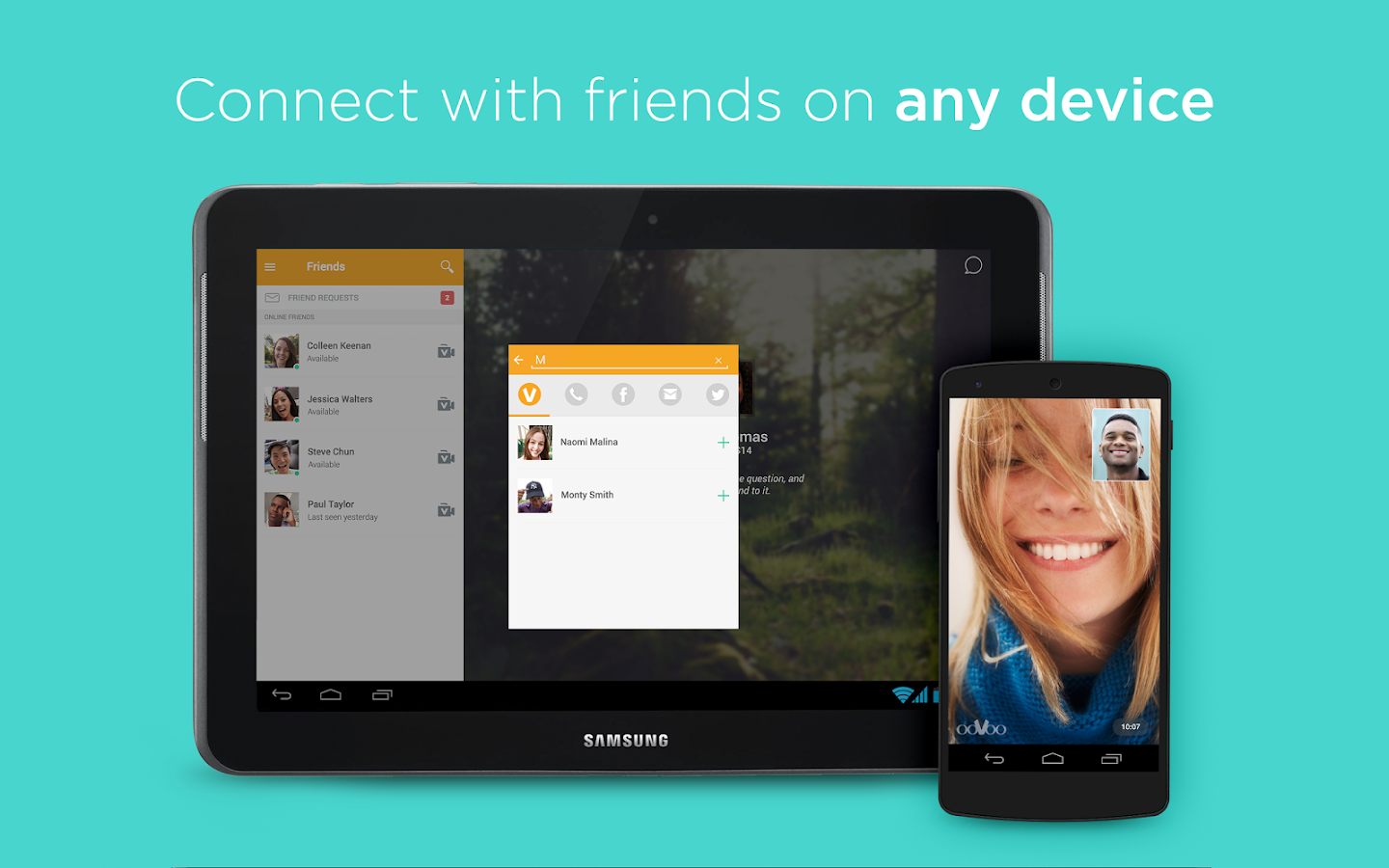
6. FaceTime — iPhone Users के लिए Best
Apple का FaceTime… ये iPhone, iPad, और Mac users के लिए सबसे smooth video calling experience देता है…
Features 2026:
– SharePlay (movies, music, screen share together)
– Spatial Audio
– Portrait mode (background blur)
– Reactions (3D effects)
– FaceTime Links (Android/Windows users भी join कर सकते हैं)
– Live captions
7. Microsoft Teams — Corporate और Education के लिए
Microsoft Teams… ये corporate world में सबसे ज्यादा use होता है… schools और colleges में भी popular है…
Features 2026:
– Free plan available
– AI Copilot (meeting notes, action items)
– Together mode (virtual room)
– Breakout rooms
– Microsoft 365 integration (Word, Excel, PowerPoint)
– Webinar और Town Hall features
– 300 participants free

8. IMO — Low Internet Speed के लिए Best
IMO… ये app slow internet पर भी अच्छी video calling experience देता है… 2G/3G network पर भी काम करता है…
Features:
– Low data usage
– Group video calls
– Stickers और effects
– Light app (कम storage use)
– End-to-end encryption
9. Skype — International Calls के लिए
Microsoft का Skype… ये पुराना और trusted platform है… international calls और landline पर call करने के लिए अच्छा है…
Features 2026:
– Free video calls (Skype to Skype)
– Paid calls to landlines/mobiles worldwide
– Screen sharing
– Real-time translation (40+ languages)
– Skype Number (virtual phone number)
– Group calls up to 100 people
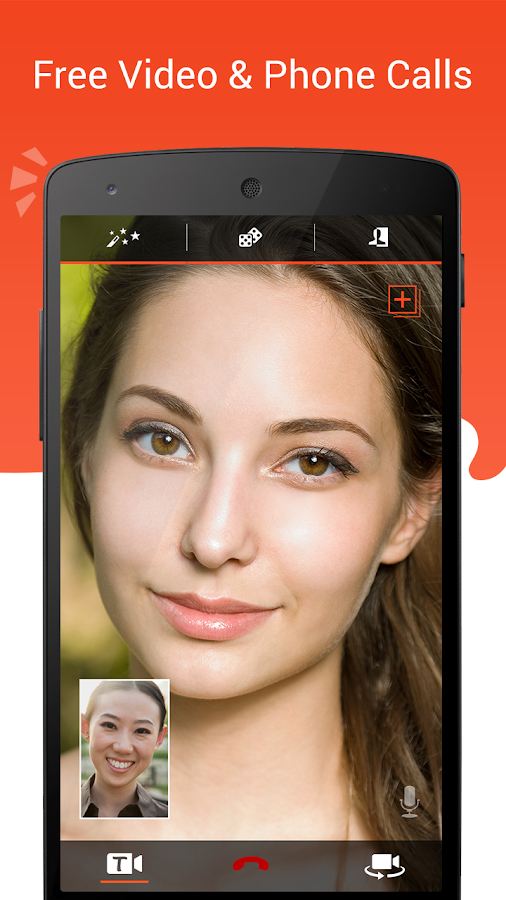
10. JioMeet — Made in India Video Calling
Jio का JioMeet… ये Indian alternative है Zoom का… free और unlimited video calling…
Features:
– Unlimited free meetings (24 hours)
– 100 participants
– Screen sharing
– Virtual backgrounds
– Safe & secure (Indian servers)
– Jio integration
Video Calling Apps Comparison Table 2026
| App | Free Limit | Max Participants | Best For |
|—–|———–|—————–|———-|
| WhatsApp | Unlimited | 32 | Personal calls |
| Google Meet | 60 min | 100 | Office meetings |
| Zoom | 40 min | 100 | Webinars, large meetings |
| Telegram | Unlimited | 1000+ | Privacy |
| FaceTime | Unlimited | 32 | iPhone users |
| MS Teams | Unlimited | 300 | Corporate |
| IMO | Unlimited | Group | Low internet |
| Skype | Unlimited | 100 | International calls |
| JioMeet | Unlimited | 100 | Indian users |
Video Call की Quality कैसे Improve करें
Internet Speed Tips
– Wi-Fi use करें mobile data की बजाय…
– Router के पास बैठें
– Background downloads बंद करें
– 5GHz Wi-Fi band use करें (अगर router support करता है)
– Minimum 2 Mbps speed रखें HD video call के लिए
Camera और Audio Tips
– अच्छी lighting में बैठें (सामने से light आनी चाहिए)
– Camera को eye level पर रखें
– Earphones/headset use करें better audio के लिए
– Background noise कम रखें
– Front camera lens को साफ रखें
👉 Video Calling Accessories: Phone Tripod Stand | Wireless Earbuds | Ring Light
Video Calling में Safety Tips 2026
– Unknown links पर click न करें: Fake meeting links से scam हो सकता है
– Meeting password use करें: Zoom/Meet में password enable रखें
– Waiting room enable करें: Unknown लोगों को direct entry न दें
– Screen share सोच-समझकर करें: Personal information दिखने से बचें
– Recording permission लें: बिना permission recording करना illegal है
– Background check करें: Video call से पहले देखें कि background में sensitive कुछ न हो
FAQ — अक्सर पूछे जाने वाले सवाल
Q: सबसे अच्छा free video calling app कौन सा है?
Personal use के लिए WhatsApp सबसे अच्छा है… professional meetings के लिए Google Meet best है… दोनों free हैं…
Q: बिना internet के video call हो सकती है?
नहीं… video calling के लिए internet connection (Wi-Fi या mobile data) जरूरी है… बिना internet के video call possible नहीं है…
Q: Video call में कितना data खर्च होता है?
Average 1 hour video call में 1-2.5 GB data लगता है (HD quality पर)… SD quality पर 500MB-1GB लगता है… Wi-Fi पर करें तो data बचेगा…
Q: Group video call कितने लोगों के साथ कर सकते हैं?
WhatsApp में 32, Google Meet में 100, Zoom में 100 (free), MS Teams में 300, Telegram में 1000+ लोगों के साथ group video call कर सकते हैं…
Q: Video call record कैसे करें?
Google Meet (paid) और Zoom (paid) में built-in recording है… Free में screen recorder app use करें (जैसे AZ Screen Recorder)… लेकिन दूसरे person की permission जरूर लें…
Q: Slow internet पर कौन सा app best है?
IMO slow internet पर भी अच्छा काम करता है… WhatsApp भी low bandwidth पर automatically quality adjust कर लेता है…
Vall. Kataibojh , p. O. Mnudihri, ara , bihar
नमस्ते
नमस्ते देवेंद्र जी
कमल भूरिया विडीयो काॅल
Kamalbhuriya@gmail.com